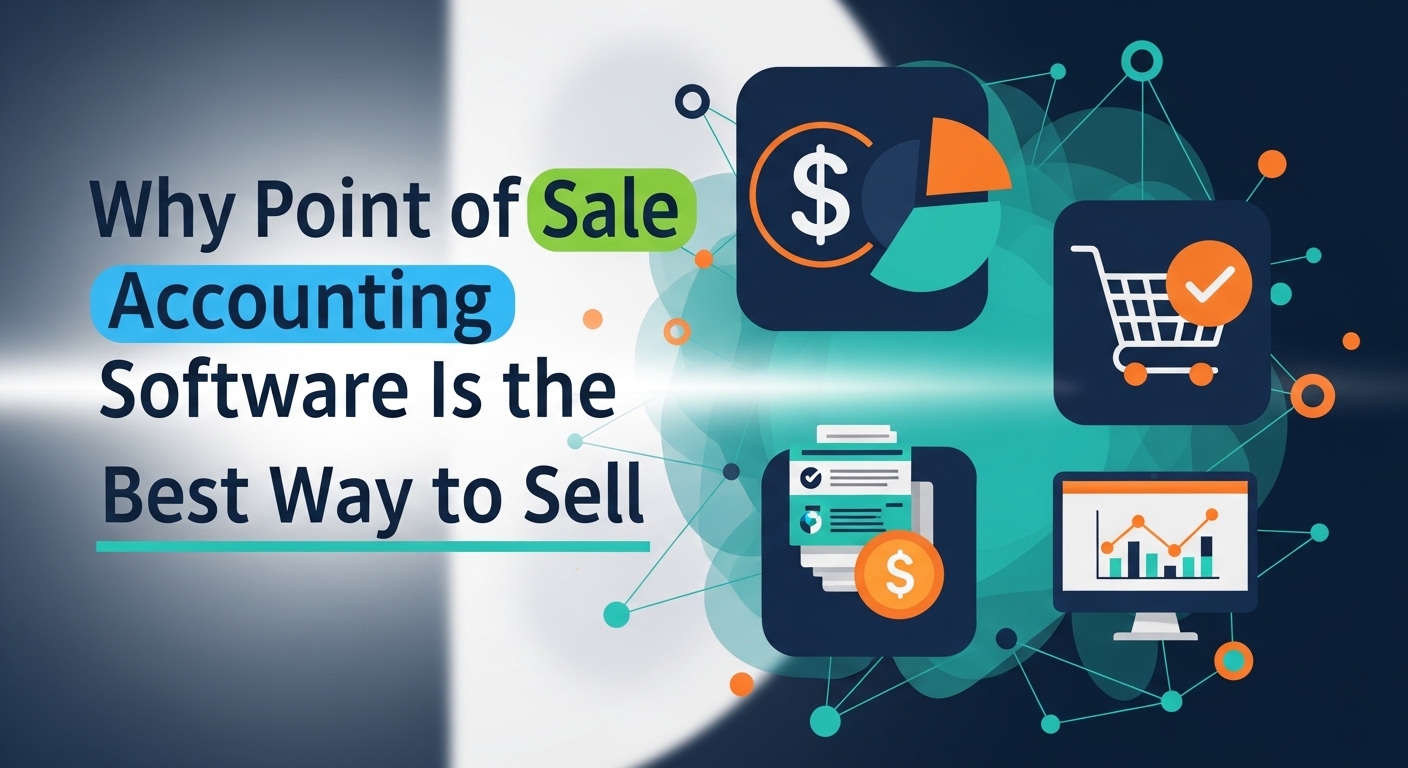
This article is about a special tool called Point of Sale accounting software. Many people call it a POS for short. It is the program you see on the screen when you buy something at a store. I believe that every shop owner should use this software because it connects your sales to your money records automatically. By using a POS, you can save a lot of time and make sure your business stays organized without any hard math.
What Exactly is a POS Accounting System
A Point of Sale system is where a customer pays for their items. In the past, shops used simple cash registers that just held money. Today, I believe that a smart POS is like a brain for your shop. It does not just hold cash. it also remembers every item you sell and how much profit you made.
When the person at the counter scans an item, the software does two things at once. First, it takes the customer’s money. Second, it tells your accounting records that you sold an item. I think this is a miracle for business owners. You do not have to write anything down in a notebook because the computer does it for you.
Why Connecting Sales and Money is a Smart Move
If you use a separate cash register and a separate accounting book, you have to move the numbers yourself. This takes a long time and it is very easy to make a mistake. I believe that a connected system is the only way to run a professional empire in 2026.
When your sales and accounting talk to each other, you always know the truth about your business. You can see which items are popular and which ones are just sitting on the shelf. I think that having this information helps you make better choices. You can buy more of what people love and stop wasting money on things that do not sell.
The Best Features of a Modern POS
A good POS system has many tools that help you work faster. It is more than just a place to swipe a credit card. It is a complete business helper.
- Inventory TrackingThe software counts your items every time you sell one. It can even alert you when you are running low on stock.
- Customer ProfilesYou can save your customers’ names and see what they like to buy. This helps you be a friendly and helpful boss.
- Employee ManagementThe system tracks who is working and how much they sell. This helps you see who your best workers are.
- Sales ReportsYou can print out a chart that shows your best days of the week. This helps you plan your schedule.
- Multiple PaymentsA good POS can take cash, credit cards, or even phone payments like bKash or Nagad.
Comparing Traditional Registers and POS Systems
It is helpful to see why moving to a POS is a winning choice for your shop. The table below shows the difference between the old way and the new way.
| Feature | Old Cash Register | Modern POS Accounting |
| Tracking Sales | You must count manually | Computer counts automatically |
| Finding Errors | Very hard to find mistakes | Alerts you to errors right away |
| Speed | Slow and uses paper | Very fast and digital |
| Customer Info | No way to remember names | Saves every customer profile |
| Reports | Only shows total cash | Shows profit, stock, and trends |
Why Inventory Management is the Secret Prize
I believe that the best part of a POS system is how it handles your inventory. Inventory is just a word for the products you have in your shop. If you have a hundred T-shirts, the POS knows exactly how many are left after every sale.
You never have to close your shop to count your items by hand. This saves you hours of boring work. I think this is a great way to stay organized. When you know what you have, you never have to tell a customer that you are out of stock. This keeps your customers happy and your business growing.
How to Set Up Your First POS System
Starting with a POS does not have to be scary or expensive. Many systems run on simple tablets or even your phone. You can start small and add more tools as your shop gets bigger.
- Pick a POS software that fits your type of shop (like a cafe or a clothing store)
- Add your products and their prices into the system
- Connect a small card reader or a barcode scanner
- Train your workers on how to scan items and take payments
- Connect the POS to your accounting software like Peachtree or Sage 50
- Start selling and watch your reports grow
Why Real-Time Data Helps You Lead
In my opinion, the most powerful thing a POS gives you is real-time data. This means you see your sales as they happen. You do not have to wait until the end of the month to know if you made money. You can check your phone at lunch and see exactly how many orders came in.
I believe this makes you a stronger leader. You can react quickly if something is wrong. If a certain snack is selling very fast, you can order more right away. If nobody is buying a certain toy, you can put it on sale. This fast action is how you build a successful empire.
Relatable Examples of POS Success
Think about a person named Hasan who owns a small grocery shop. Hasan used to use a paper list to track his sales. He was always tired and sometimes forgot to charge the right price. He felt like he was losing money but did not know why.
Hasan bought a simple POS system. Now, he just scans the items. The software tells him the price and records the sale. At the end of the week, Hasan saw that he was selling a lot of milk but almost no bread. He changed his orders and saved money. Hasan is now much happier and his shop is always full of happy customers.
My Final Opinion on Sales Software
In my opinion, every shop from a small stall to a big store needs a POS accounting system. It is the best investment you can make for your future. It stops you from making mistakes and gives you the freedom to focus on your customers.
Do not be afraid of the technology. These systems are built to be very easy to use. I believe that once you try a POS, you will never want to go back to the old way. It is the smartest way to turn your hard work into real gold.
Frequently Asked Questions
Do I need the internet to use a POS
Many modern POS systems can work without the internet for a short time. They save your sales and then update your records once you are back online.
Can I use a POS on an iPad or Tablet
Yes! Many of the best POS systems are built specifically for tablets. This makes them very easy to move around and they do not take up much space on your counter.
How does a POS help with taxes
Because the POS tracks every sale, it also tracks the tax for you. At the end of the year, you just print one report and give it to your tax person. It is very simple.
Is my customer information safe
Yes, legit POS systems use very strong security to hide names and card numbers. This keeps your customers safe and helps them trust your business.
Conclusion
Point of Sale accounting software is a fantastic tool for any business owner. It connects your sales and your money in a way that saves time and prevents errors. By using its smart inventory and reporting features, you can grow your business with confidence.
I hope you feel excited to try a POS for your own project. Remember that being organized is the first step to being a great boss. Start with a simple system and watch how much easier it is to run your shop. Success is waiting for those who use the best tools to help their customers. Go ahead and launch your dream store today!