

TL;DR
- Peachtree Accounting – now sold as Sage 50 – is a desktop-first accounting platform with over 40 years of history serving small and mid-sized businesses.
- It handles invoicing, inventory tracking, payroll, cash flow, and financial reporting from a single dashboard.
- Plans start at $299 per year, with the Pro plan covering one user and Premium supporting up to five (ITQlick, 2025).
- The software automatically generates purchase orders when stock drops below a set level, making it practical for product-based shops.
- For shops that are outgrowing spreadsheets or basic tools, Sage 50 Premium is the most logical starting point.
What Is Peachtree Accounting Software?
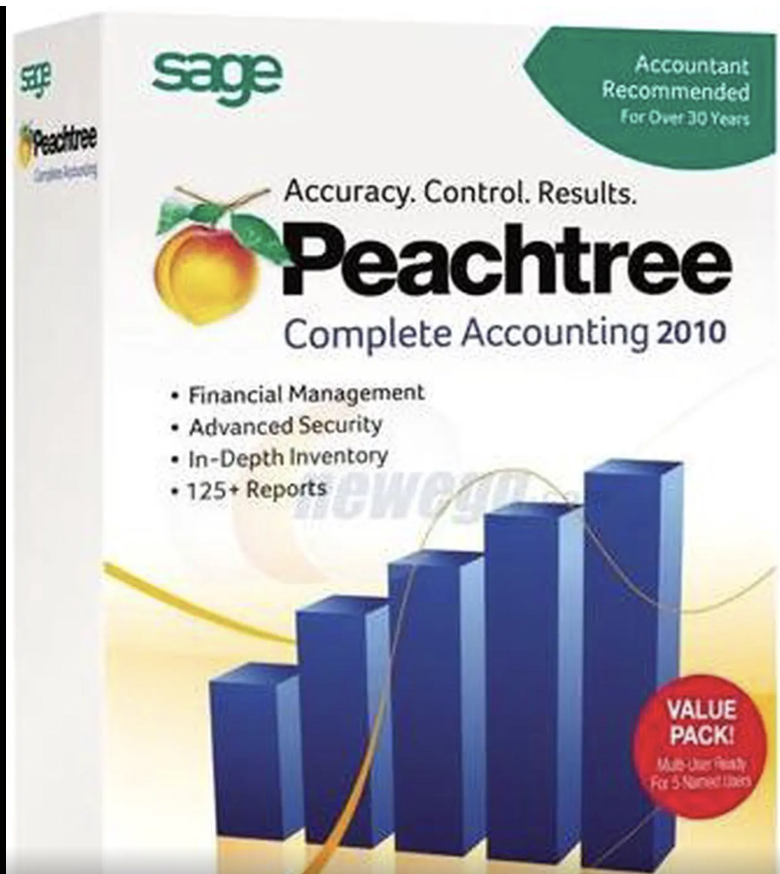
Peachtree Accounting is a financial management platform designed for small and mid-sized businesses. Now sold under the name Sage 50, it offers desktop installation for performance and security, with an interface built for easy adoption. Sage acquired Peachtree in 1999 and rebranded it Sage 50 in 2013, though many shop owners still search for and reference it by its original name. Sage
Sage 50 covers quality reporting and in-depth features for tracking financials, invoicing, and inventory data – including purchase orders, job costing, check signing, and payroll. That combination makes it practical for retail and specialty shops that need more than a basic ledger but are not ready for a full enterprise system. Envoice
How Peachtree Works for a Shop Owner
Peachtree runs on your local machine, with optional cloud connectivity. The cloud edition gives you secure access from any PC, Mac, tablet, or mobile device, with automatic updates and backups handled for you. You do not need a dedicated IT team to keep it running. Sage
The day-to-day workflow covers three main areas:
- Sales and invoicing – Create and send invoices, track which customers owe money, and set automated payment reminders.
- Inventory control – Monitor stock levels, set reorder points, and generate purchase orders automatically.
- Financial reporting – Pull profit-and-loss statements, cash flow reports, and expense breakdowns on demand.
Reports are accessible in under one second, and you can customize pre-templated one-click reports or export them directly from the software. Sage
Inventory Management: The Feature That Matters Most for Shops
For any product-based shop, inventory is where accounting software earns its keep or fails. Peachtree handles this better than most entry-level tools.
When your inventory reaches a set threshold, you can configure the software to automatically place purchase orders with your suppliers. That removes one of the most time-consuming manual tasks for shop owners managing dozens or hundreds of SKUs. Unloop
Serialized inventory tracking gives you full visibility into quantities on hand, and you can adjust quantities easily while staying on top of purchase orders. Sage
The Premium and Quantum plans go further. Premium adds serialized inventory and advanced filtering on financial statements, while Quantum includes flexible pricing, advanced inventory management, UPS integration, and specialized distribution reports. Sage50peachtree
For a shop managing both retail and wholesale pricing, you can set up to five price levels on the Pro plan or up to ten on Premium or Quantum, naming them anything from “Retail” and “Wholesale” to “Gold” and “Silver.” Iqaccountingsolutions
Pricing: What You Pay at Each Stage of Growth
Sage 50 comes in three plans – Pro, Premium, and Quantum. Pro is for a single user and covers invoicing, expense tracking, and financial reporting. Premium supports up to five users and adds inventory management and job costing. Quantum is built for larger teams with complex accounting requirements. ITQlick
Pricing starts at $299 per year, making it one of the more affordable full-featured accounting options for shops with tight budgets. At the 10-user level, monthly costs range from $70 to $200 depending on the plan. ITQlickITQlick
One thing to know before you sign up: all plans require a minimum one-year commitment, and if you cancel, you retain read-only access to your data until you renew. That is a meaningful consideration if your shop has seasonal cash flow. Sage
Payroll and Employee Management Built In
Many shops add staff as they grow, and switching payroll tools mid-growth is a headache. Peachtree covers this natively.
Employees get self-serve access to pay slips and tax documents, and the software handles time-off approvals, hour tracking, and workforce scheduling. With the Sage Business Care Gold or Platinum subscription, the software calculates taxes, liabilities, and benefits on payroll checks and gives you access to payroll tax forms including Exception reports, Tax Liability reports, and Sick and Vacation leave tracking. SageEvergreenaccountingservices
Reporting and Financial Visibility
Knowing where your money is going matters more as a shop grows. Peachtree gives shop owners clear, actionable reports without needing an accountant to interpret them.
The reporting system includes flexibility for multi-year reports, which makes year-over-year budget comparisons straightforward. You can also combine financial statements for multiple companies to see a broader picture if you operate more than one location. Business-Software.com
Cash flow reports show a detailed breakdown of money coming in and going out. The invoicing dashboard tracks which customers owe you and monitors invoice status in real time. Sage
For shops running promotions or managing tiered customer pricing, Peachtree lets you apply per-line-item discounts on invoices – entering a percentage that the software automatically calculates and adjusts against the line total. Ames-pc
Common Mistakes Shops Make With Peachtree
- Choosing Pro when you need Premium: Pro covers one user. If two or more people need access to the books, start with Premium. Upgrading later mid-year adds friction.
- Ignoring the automatic reorder feature: Many new users set up inventory but never configure reorder points. Set them at setup, not after you run out of stock.
- Skipping the payroll subscription: The base software handles accounting, but accurate payroll tax calculations require a Sage Business Care subscription (Gold or Platinum). Factor that cost in from day one.
- Not using price levels: Shops that sell both retail and wholesale often manually calculate different prices. Peachtree’s price level system handles this automatically – it takes 15 minutes to set up and saves hours every month.
Frequently Asked Questions About Peachtree Accounting for Shops
What is Peachtree Accounting Software?
Peachtree Accounting is a small business financial management tool, now sold as Sage 50. It covers invoicing, inventory, payroll, cash flow, and reporting. Sage acquired the Peachtree brand in 1999 and rebranded it Sage 50 in 2013.
Is Peachtree good for a small retail shop?
Yes, particularly the Pro and Premium plans. Pro works for a solo owner with basic accounting needs. Premium adds multi-user access and inventory management, which most product-based shops need once they pass the startup stage.
How much does Peachtree (Sage 50) cost per year?
Plans start at $299 per year for the single-user Pro plan. Premium, which supports up to five users, costs more and is the more practical choice for growing shops (ITQlick, 2025).
Does Peachtree handle inventory automatically?
Yes. You can set minimum stock levels, and the software generates purchase orders to your suppliers automatically when those thresholds are reached. This is available on all plans, with advanced inventory features on Premium and Quantum.
What is the difference between Peachtree Pro, Premium, and Quantum?
Pro is for a single user and covers core accounting. Premium supports up to five users and adds inventory management, job costing, and advanced budgeting. Quantum supports up to 40 users and adds multi-location tools, UPS integration, and role-based security (Sage, 2025).
Does Peachtree work in the cloud?
Sage 50 Cloud offers access from any device – PC, Mac, tablet, or mobile – through Microsoft Azure hosting. The traditional edition runs on your desktop with optional cloud backup and remote access features added on.
How does Peachtree compare to QuickBooks for shop owners?
Both cover the core accounting needs of a small shop. Peachtree tends to be stronger on inventory depth and multi-year reporting, while QuickBooks has a larger third-party integration library. Shops with complex inventory or multiple pricing tiers often find Peachtree’s tools more direct to use.
Key Takeaways
- Peachtree (Sage 50) starts at $299 per year and scales from one user (Pro) up to 40 (Quantum).
- The automatic purchase order feature is one of the most practical tools for any product-based shop managing stock levels.
- Premium is the right plan for most growing shops – it adds multi-user access, inventory management, and job costing that Pro does not include.
- The payroll features require a Sage Business Care subscription to unlock full tax calculation; budget for that from the start.
- Reporting is fast and flexible, with multi-year comparisons and cash flow dashboards built in.
References
- Sage 50 Official Product Page and Pricing: https://www.sage.com/en-us/products/sage-50/
- Peachtree vs. QuickBooks Comparison (Envoice, 2025): https://envoice.eu/en/blog/peachtree-vs-quickbooks/
- Sage 50 Pricing and Plan Details (ITQlick, 2025): https://www.itqlick.com/sage-50-peachtree/pricing