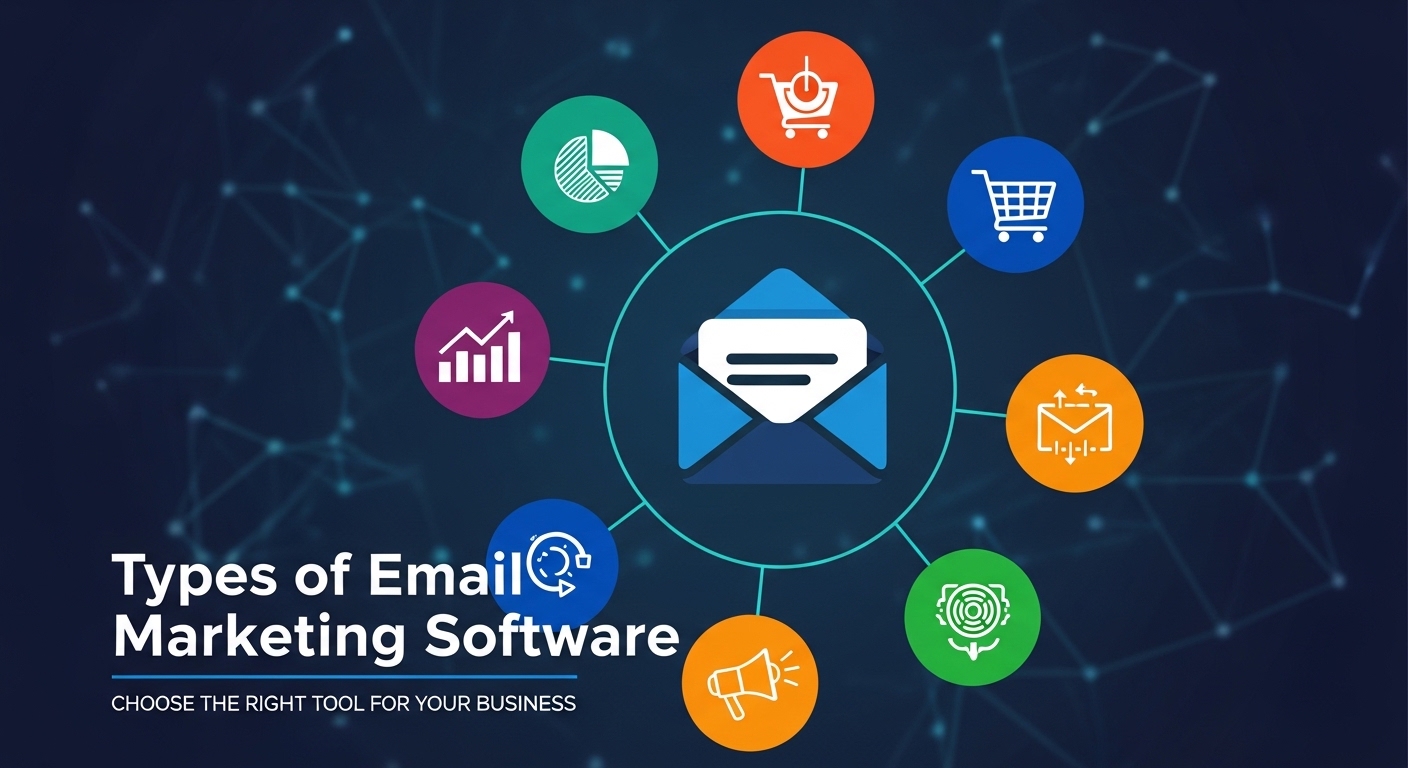
In 2026, choosing the right Email Marketing Software is no longer a “one-size-fits-all” decision. The market has branched into specialized categories, each designed to solve a different mechanical problem. I believe that understanding these distinctions is the only way to avoid overpaying for features you don’t need or, worse, missing out on tools that could automate your entire growth strategy.
1. Traditional Email Marketing Platforms (ESPs)
These are the foundational tools most businesses start with. They are designed for “one-to-many” communication, like sending a weekly newsletter or a holiday sale announcement.
- Primary Goal: Delivering bulk messages to a list of subscribers.
- Key Features: Drag-and-drop editors, list management, and basic analytics (opens and clicks).
- Top Examples: Mailchimp, MailerLite, and AWeber.
2. Marketing Automation Platforms
I think of these as the “brains” of your marketing operation. Unlike simple ESPs, these tools use “if/then” logic to send emails based on what a customer actually does on your website.
- Primary Goal: To move a lead through the “Customer Journey” without manual work.
- Key Features: Visual workflow builders, lead scoring, and multi-channel triggers (Email + SMS + WhatsApp).
- Top Examples: ActiveCampaign, HubSpot, and GetResponse.
3. E-commerce Email Software
In my opinion, if you sell physical products, you must use a tool that connects directly to your shop. These platforms are built to turn browsing data into dollars.
- Primary Goal: Increasing “Revenue per Subscriber” through behavioral data.
- Key Features: Abandoned cart recovery, product recommendations, and deep integration with Shopify or WooCommerce.
- Top Examples: Klaviyo, Omnisend, and Drip.
4. Transactional Email Services
These are the “mechanical workhorses” of the internet. They handle the boring but critical emails like password resets, order receipts, and shipping updates. I believe it is a mistake to mix these with your marketing emails because it can hurt your deliverability.
- Primary Goal: Instant, 1-to-1 delivery of critical information.
- Key Features: High-speed APIs, SMTP relays, and 99.9% deliverability guarantees.
- Top Examples: SendGrid, Amazon SES, and Postmark.
5. Newsletter & Creator Platforms
A new category for 2026, these are built for writers and journalists. They focus less on “selling” and more on “reading” and monetization.
- Primary Goal: Growing a loyal audience and making money from content.
- Key Features: Built-in ad networks, referral programs, and paid subscription tiers.
- Top Examples: beehiiv, Substack, and Kit (formerly ConvertKit).
Quick Comparison Table
| Type | Best For… | Complexity | Pricing Style |
| Traditional ESP | Small Business | Low | By Subscriber Count |
| Automation | B2B & Growth | High | Feature-Based Tiers |
| E-commerce | Online Stores | Medium | By Revenue/List Size |
| Transactional | Tech/Apps | Technical | By Volume of Emails |
| Newsletter | Writers/Creators | Low | Fixed Monthly or % of Revenue |
My Opinion: Why “Omnichannel” is Winning in 2026
I believe that in 2026, the lines between these types are blurring. Most top-tier tools now offer Omnichannel Orchestration. This means you can send an email, wait two hours, and if the user hasn’t opened it, automatically send a WhatsApp or SMS instead.
I think that businesses that stick to only email are going to struggle. The “best” type of software today is one that treats email as just one piece of the conversation.
Frequently Asked Questions
Can I use one tool for everything?
I believe you can, but it is often better to have a dedicated Transactional tool (like Postmark) for receipts and a Marketing tool (like Klaviyo) for sales. This keeps your “Marketing” reputation from slowing down your important “Order” emails.
Is automation too hard for beginners?
In 2026, most tools like ActiveCampaign come with pre-built templates. I think anyone can set up a basic “Welcome Sequence” in under 30 minutes.
Do I need a CRM too?
If you are in B2B sales, yes. Tools like HubSpot combine the CRM and the Email platform into one place, which is much easier than trying to glue two different apps together.