

| Published: May 15, 2026 | Last updated: May 15, 2026 |
TL;DR
- An email drip campaign is a series of automated emails sent to subscribers based on triggers or schedules (e.g., new signups, abandoned carts, birthdays)
- They increase customer engagement by 49% compared to one-off campaigns (HubSpot, 2026)
- Drip campaigns save time, improve conversion rates, and nurture leads without manual effort
- You need one if you have an email list of 100+ subscribers or want to automate customer onboarding
- Best tools: HubSpot, Klaviyo, Mailchimp, ActiveCampaign (depending on use case)
What Is an Email Drip Campaign?
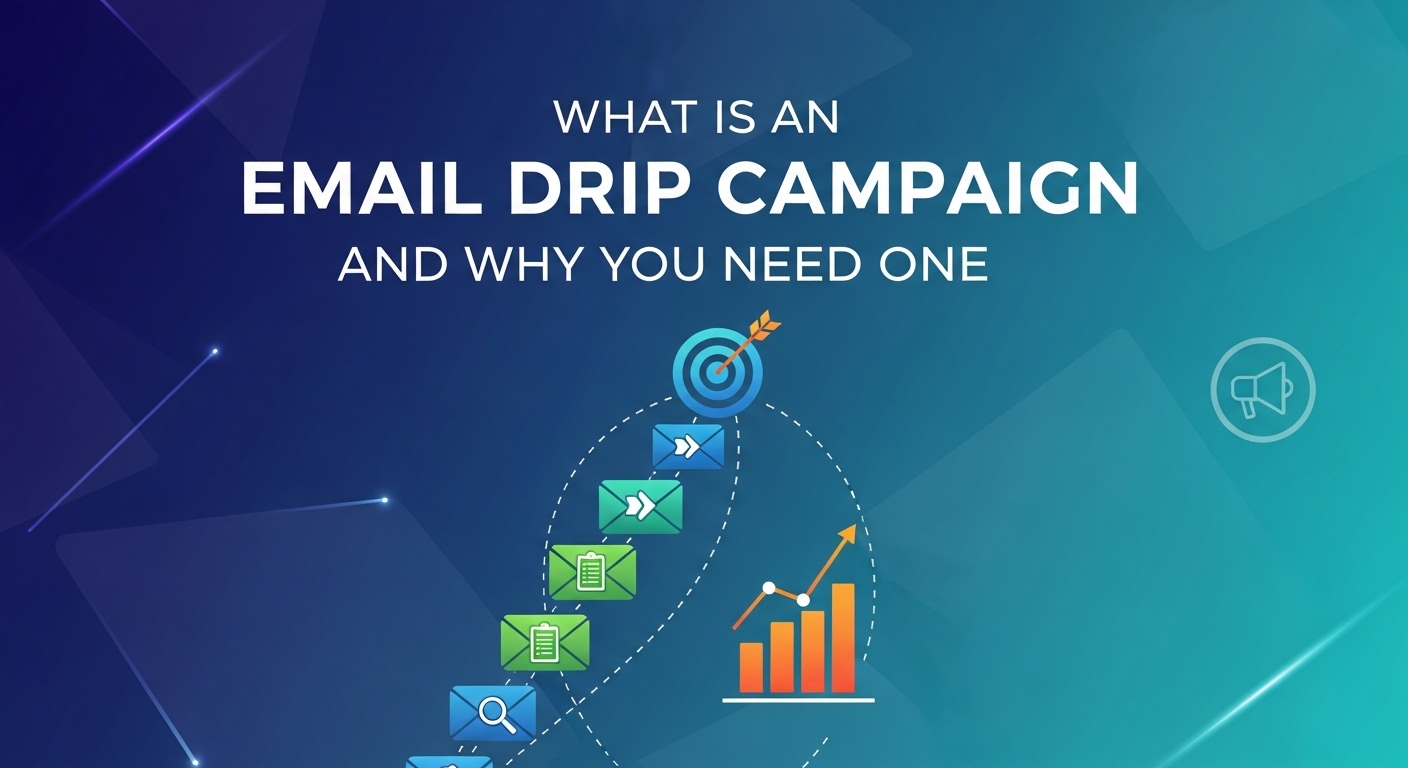
An email drip campaign is a sequence of pre-written emails that automatically send to subscribers based on a trigger or schedule you set. Instead of sending one marketing email to everyone at once, a drip campaign delivers targeted messages over time—days, weeks, or even months—to the right person at the right moment.
For example: A subscriber signs up for your newsletter. Immediately, they receive a welcome email. Two days later, they get an email about your top product. A week later, they see customer success stories. You never manually send any of these—the system does it automatically.
The term “drip” comes from the steady, drop-by-drop delivery model. Unlike a flood of messages that overwhelms and annoys, a drip campaign feels natural and personalized because it arrives when the subscriber is most likely to care.
How Email Drip Campaigns Work
Email drip campaigns operate on three core components: triggers, sequences, and automation.
Step 1: Set a Trigger
A trigger is the action that starts the campaign. Common triggers include: new email signup, abandoned shopping cart, purchase made, link clicked, birthday, or specific date. When a subscriber meets this condition, the campaign automatically enrolls them.
Step 2: Design the Email Sequence
You write a series of emails—typically 3 to 10 messages—in a logical order. Each email has a specific goal: introduce yourself, educate about your product, build trust, or ask for a sale. You decide how many emails and what they say.
Step 3: Schedule the Delivery
You set delays between emails—for example, email 1 sends immediately, email 2 sends 1 day later, email 3 sends 3 days later. The system tracks each subscriber’s enrollment date and sends emails on schedule automatically.
The platform (HubSpot, Mailchimp, etc.) handles all the sending. You write once, then the campaign runs on repeat for every new subscriber who matches your trigger.
Why You Need an Email Drip Campaign
Increases Engagement and Conversions
Subscribers who receive drip campaigns are 50% more likely to make a purchase than those who receive random promotional emails (Mailchimp, 2026). Drip campaigns work because they deliver the right message at the right time—not just when you feel like sending one.
Saves Time and Resources
Once you write and schedule a drip campaign, it runs forever without your intervention. You’re not manually sending the same welcome email to every new signup. A 10-email onboarding sequence for 100 new subscribers saves you 10+ hours per month versus sending emails manually.
Nurtures Leads Automatically
Not every subscriber is ready to buy today. A drip campaign keeps your brand in front of leads while they’re evaluating their options. By the time they’re ready to purchase, they already trust you because they’ve heard from you multiple times through helpful, relevant emails.
Segments Your Audience
Drip campaigns let you send different sequences to different groups. New customers get an onboarding sequence. Inactive customers get a re-engagement sequence. Cart abandoners get a recovery sequence. The same email list, but each segment gets the right message.
Tracks Performance and Provides Data
Email platforms show you open rates, click rates, and conversions for each email in your campaign. This data tells you which messages work and which fall flat—so you can optimize future campaigns.
Types of Email Drip Campaigns
Welcome Series
Sent to new email subscribers. Introduces your brand, sets expectations, and builds trust. Typically 3–5 emails over 1–2 weeks.
Educational Series
Teaches subscribers how to use your product or solve a problem. Positions you as an expert and builds credibility. Common in SaaS and software.
Sales Funnel Series
Moves leads through a buying journey: problem awareness → solution education → social proof → special offer → close. Typically 5–8 emails over 2–3 weeks.
Onboarding Series
For customers who just purchased. Ensures they succeed with your product and reduces early churn. Sends tips, best practices, and support resources.
Re-engagement Series
Targets subscribers who haven’t opened emails or clicked links in 30–60 days. Asks if they want to stay on your list and offers incentives to re-engage.
Abandoned Cart Series
Triggered when a customer adds items to their cart but doesn’t complete checkout. Reminder emails increase recovery by 20–30% (Baymard, 2026).
Common Mistakes to Avoid with Email Drip Campaigns
Sending Too Many Emails Too Quickly
More emails don’t always mean more conversions. If you send 5 emails in 3 days, subscribers unsubscribe. Space emails 2–5 days apart depending on your audience and content.
Writing Vague, Generic Copy
“Check out our new product” doesn’t work. Specific subject lines like “The #1 reason your invoices are late (and how to fix it)” get 40% higher open rates because they promise value or curiosity.
Failing to Segment Your Audience
Sending the same campaign to everyone—new subscribers, long-time customers, and inactive users—wastes effort. Tailor sequences to each group’s stage in the customer journey.
Ignoring Open and Click Data
If 20% of subscribers open email 3 but 50% open email 2, that tells you email 3 needs a better subject line. Most marketers set campaigns and never look at the data again.
Not Testing Your Sequence Before Launch
Send the entire sequence to yourself or a test group first. Check for broken links, typos, and poor formatting. A sloppy email damages trust.
Frequently Asked Questions About Email Drip Campaigns
What is an email drip campaign?
A series of automated, pre-written emails that send to subscribers on a schedule or trigger you set. Examples: new signup welcome series, abandoned cart recovery, or onboarding sequence. Once set up, the system sends them automatically.
How many emails should be in a drip campaign?
It depends on the goal. Welcome sequences are usually 3–5 emails. Sales funnels range from 5–10 emails. Abandoned cart campaigns are 2–3 emails. Longer isn’t always better—test what works for your audience.
How long should I wait between emails in a drip campaign?
Most effective spacing is 2–5 days apart. Too fast (1 day) feels spammy. Too slow (14+ days) causes people to forget your context. Start with 3-day intervals and adjust based on your audience’s behavior.
Can I personalize emails in a drip campaign?
Yes. Most platforms let you insert dynamic fields like [First Name] or [Product Name]. Advanced platforms let you personalize based on past purchases, location, or other subscriber data.
What email platforms support drip campaigns?
HubSpot, Mailchimp, Klaviyo, ActiveCampaign, ConvertKit, and Brevo all support automated drip campaigns. Free tiers often limit you to 1–3 campaigns. Paid plans unlock unlimited campaigns and advanced segmentation.
How do I know if my drip campaign is working?
Track open rate, click rate, and conversion rate for each email. Average email open rates range from 20–35% (Mailchimp, 2026). If yours are lower, test new subject lines. If click rates are low, improve your email copy or calls-to-action.
Key Takeaways
- Email drip campaigns automate repetitive sending and nurture leads without manual effort
- They increase engagement by 49% and save significant time once set up
- Start with a welcome series or abandoned cart sequence—the simplest, highest-ROI campaigns
- Avoid sending too many emails too fast, and always segment your audience
- Track open and click data to continuously improve your sequences